
Creating a comfortable and productive home office is essential for anyone working remotely or managing tasks at home. A well-designed workspace can improve focus, reduce stress, and enhance overall work quality. Whether you have a dedicated room or a small corner, these tips will help you set up an effective and pleasant home office environment.
Choose the Right Location
Find a Quiet Spot
Select a place in your home where you encounter minimal distractions. Ideally, it should be away from noisy areas like the kitchen or living room. If possible, use a separate room to create a clear boundary between work and personal life.
Consider Natural Light
Natural light boosts mood and energy. Position your desk near a window to take advantage of daylight. Avoid glare on your computer screen by placing your desk at an angle to the window or using sheer curtains to soften the light.
Invest in Ergonomic Furniture
Select a Comfortable Chair
A supportive chair prevents discomfort during long work hours. Opt for one with adjustable height, lumbar support, and armrests to maintain good posture.
Use a Suitable Desk
Choose a desk that fits your space and provides enough surface area for your computer, documents, and accessories. Standing desks or adjustable desks offer flexibility to alternate between sitting and standing.
Organize Your Workspace
Declutter Regularly
Keep your desk tidy by removing non-essential items. A clutter-free area helps clear your mind and maintain focus.
Utilize Storage Solutions
Use shelves, drawers, and organizers to keep supplies and documents in order. Label storage containers to find items quickly.
Cable Management
Manage cables with clips, sleeves, or trays to avoid tangled wires that can cause distractions or accidents.
Optimize Lighting
Balance Ambient and Task Lighting
Combine general room lighting with focused desk lamps to reduce eye strain. Choose bulbs that mimic natural light for the best effect.
Avoid Screen Glare
Position task lights to minimize reflections on your computer screen. Adjust monitor brightness and contrast as needed.
Personalize Your Space
Add Plants
Indoor plants improve air quality and bring a natural element to your office, which can help reduce stress.
Display Inspiring Items
Surround yourself with artwork, photos, or quotes that motivate you but keep them minimal to avoid distractions.
Choose Calming Colors
Use soft, neutral colors or soothing shades like blues and greens to create a relaxing atmosphere conducive to concentration.
Minimize Noise and Distractions
Use Noise-Canceling Tools
If external noise is unavoidable, consider noise-canceling headphones or white noise machines to help maintain focus.
Set Boundaries
Communicate your work hours to household members and use signs or closed doors to minimize interruptions.
Incorporate Technology Wisely
Reliable Internet Connection
A stable, high-speed internet connection is crucial for smooth remote work.
Essential Equipment
Ensure your computer, printer, and any other necessary devices are up-to-date and functioning well.
Backup Solutions
Use cloud storage or external drives to protect your work and avoid data loss.
Establish a Routine and Breaks
Define Work Hours
Set consistent start and end times to maintain balance and separate work from personal life.
Regular Breaks
Take short breaks every hour to stretch, rest your eyes, and recharge. This habit can improve productivity and reduce fatigue.
Keep Comfort Essentials Handy
Temperature Control
Maintain a comfortable room temperature with fans, heaters, or air conditioning as needed.
Hydration and Snacks
Keep water and healthy snacks nearby to stay energized without frequent trips to the kitchen.
Easy Access to Supplies
Keep frequently used items like pens, notebooks, and chargers within reach to avoid interrupting your workflow.
—
By paying attention to these tips, you can create a home office that supports your productivity and well-being. Remember, your workspace should be tailored to your personal preferences and needs to promote a positive and efficient work environment. Happy decorating!
Related Posts
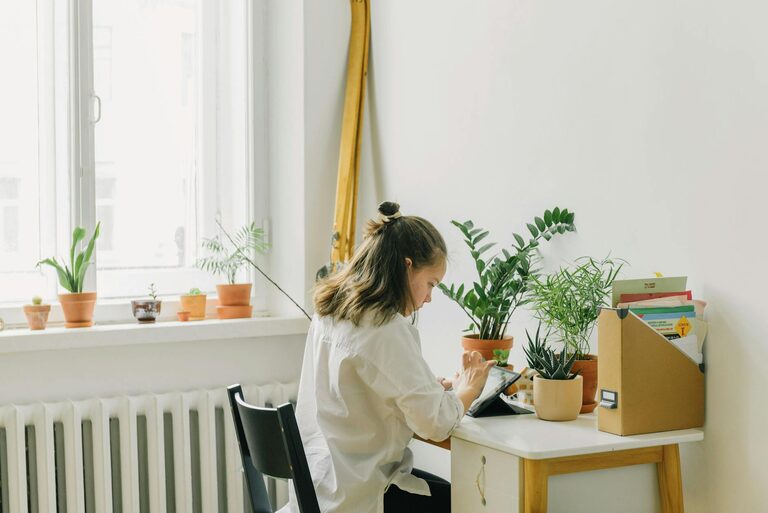
Tips for Creating a Relaxing Home Workspace That Boosts Productivity
Creating a home workspace that is both relaxing and productive…
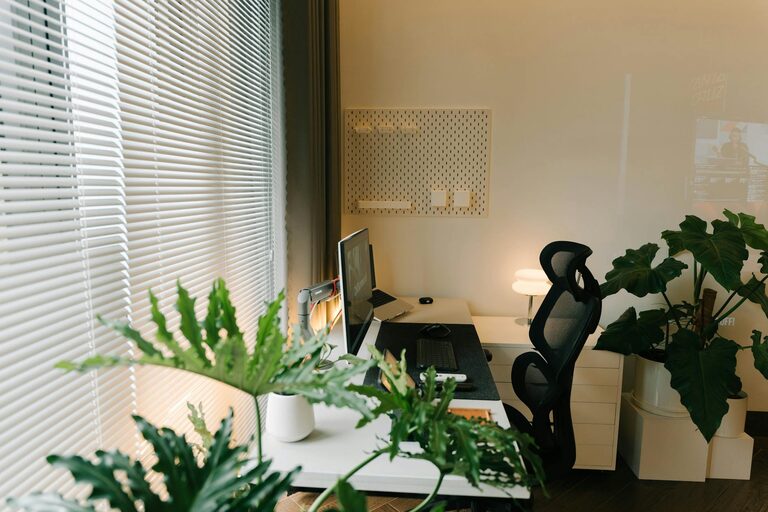
Tips for Creating a Cozy and Productive Home Office Space
Creating a cozy and productive home office space is essential…
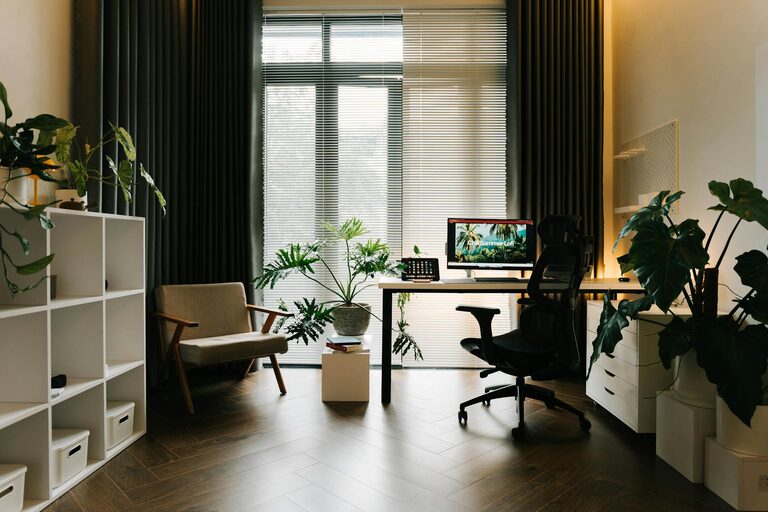
Tips for Creating a Cozy and Functional Home Office Space
Creating a home office that is both cozy and functional…